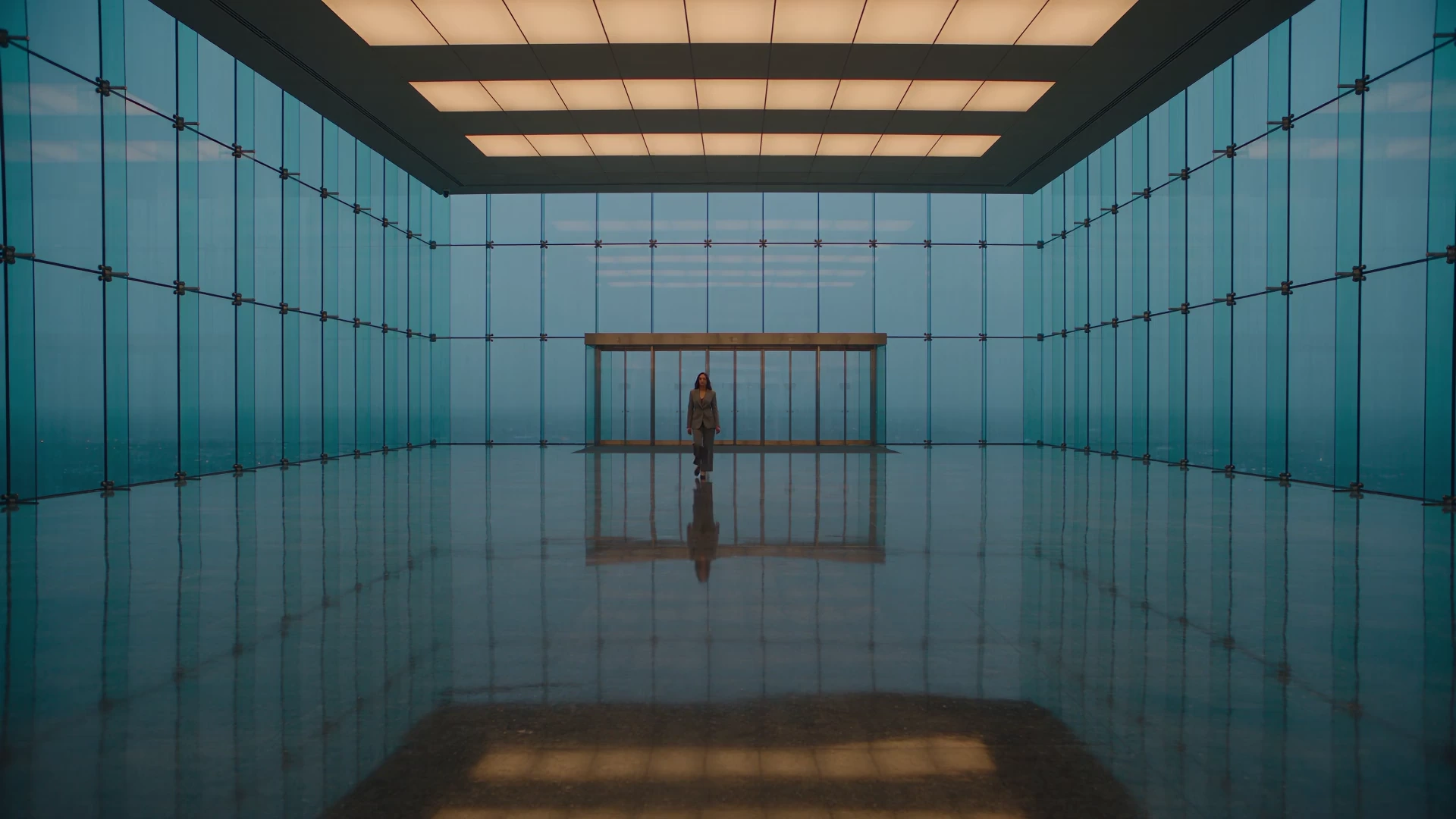
A recording tells you what happened. A response changes what happens next.
SECURY SYSTEMS. POWERED BY SENTRY.
Sentry connects compatible IP cameras to local AI and the devices around them. Define a zone, choose a schedule, set a response. A light comes on. A speaker plays. An alert reaches you.
Meet Sentry.MeetSentry. Your rules, at work.Yourrules,atwork.
The software behind Secury Systems. Local image analysis, detection zones and connected responses, running on a dedicated mini-PC at your property.
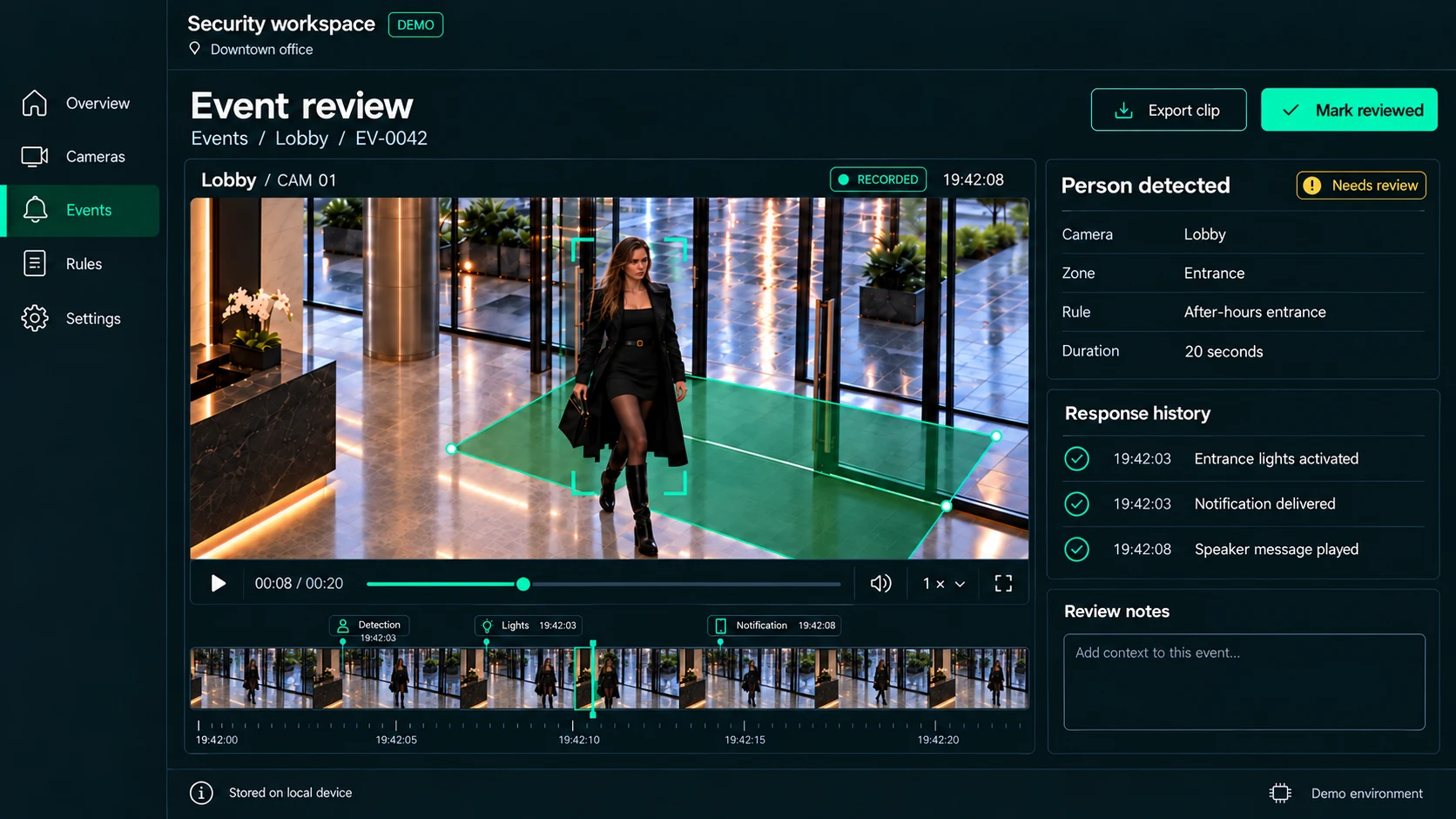
Security workspaceDEMODowntown office
System preview
Event review
Events / Entrance / EV-0042
Analyzing the scene
Entrance / CAM 01DEMO FEED
PERSON / DEMO
ENTRANCE ZONE
CAM 01
1×
Person enters the selected zoneAfter-hours rule matchedResponse ready for review
Connect compatible camerasSet zones and schedulesAutomate your response
From detectionFromdetection to action.toaction.
Cameras see. Sentry checks your rules. Your connected devices respond.
01 / OBSERVE
Your cameras.Yourcameras. New capability.Newcapability.
Start with compatible IP or PoE cameras. Sentry analyzes their images on a dedicated mini-PC, so your existing setup can become the starting point for a smarter system.
The right zone.Therightzone. The right time.Therighttime.
An entrance after closing. A garden at night. Choose where detection matters and when a rule is active. Sentry follows the boundaries and schedules you set.
The next move.Thenextmove. On your terms.Onyourterms.
Trigger compatible relays for lights, speakers or sprinklers. Escalate with an SMS or phone call when your rule calls for it. You choose the response; Sentry connects the steps.
On your property.Onyourproperty. Under your control.Underyourcontrol.
Your hardware stays yours. Image analysis runs locally on your dedicated mini-PC. Your zones, your schedules and your connected responses keep the system centered on the way you use your space.
SECURY SYSTEMS / A CLEARER PERSPECTIVE
A few things,Afewthings, made clear.madeclear.
The practical details before you plan your system.
What is the difference between Secury Systems and Sentry?
Secury Systems is the brand. Sentry is our local AI camera software: it connects image detection, zones, schedules and configured responses on your property.
Can I use my existing cameras?
Sentry works with compatible IP cameras, including PoE setups. Share the brand, model and camera count so we can assess your installation. Compatibility is checked before a system is proposed.
What hardware does Sentry need?
A dedicated mini-PC runs the software locally. The current setup is designed around 4–6 cameras per mini-PC; final capacity depends on the hardware, video streams and rules. We size the system for your site.
What can a detection trigger?
Configured rules can activate compatible relays for lights, speakers and sprinklers, or escalate through SMS and phone calls. Wi-Fi and Bluetooth relay options depend on the device. A garden-zone sprinkler response has already been tested in development. Each installation is checked against its intended use.
Does local processing mean everything works offline?
Image analysis runs on your mini-PC. Remote SMS and call alerts depend on connectivity and the configured communications service. App notifications are currently available on the same local network. Alert delivery and device behavior are assessed as part of your setup.
How do installation and pricing work?
Start with a compatibility review. We assess your cameras, zones and desired responses, then define the equipment, installation, software and any recurring services in a scoped proposal. Nothing is purchased through this form.
Is the footage on this page a live system?
The campaign films, tracking outlines, dashboard and scenarios are illustrative. They explain the intended experience; they are not recordings of a customer installation or a biometric identification feature. The website does not access cameras or activate devices. Motion can be paused and follows your device’s reduced-motion setting.
Your place.Yourplace. Your next move.Yournextmove.
Tell us what you have and what you want to happen. We’ll start with compatibility, then shape the right Sentry setup for your property.
Share your setupCameras, property and the response you need.
Review the fitCheck hardware, zones and connected devices.
Get a scoped proposalEquipment, installation and software, clearly defined.